Initial Setup
Camera Angle
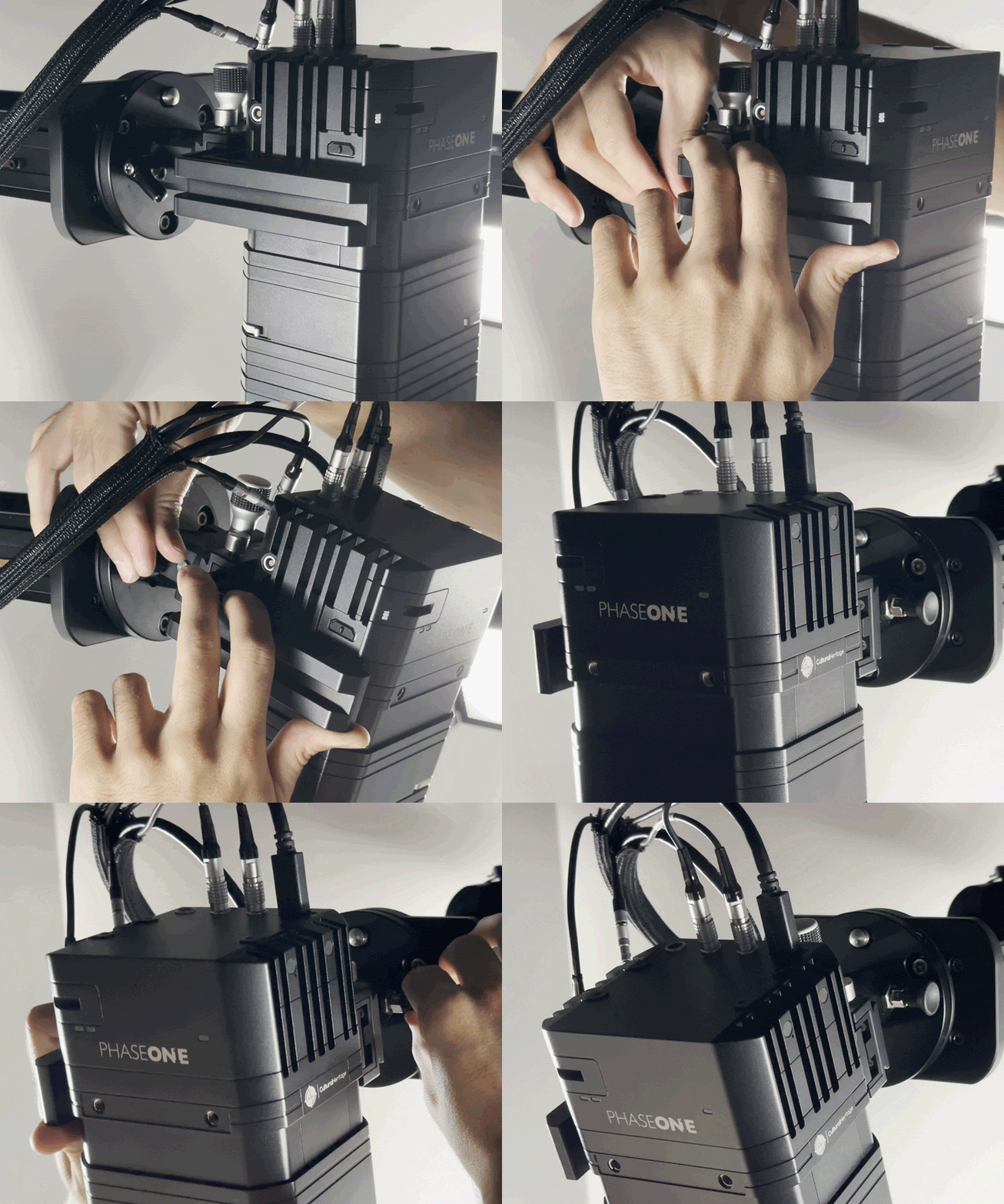
Verify that the camera angle is parallel to the V-Cradle glass. All DT Auto-Columns are fitted with an Advanced Leveling Head that allows the user to tilt the camera, perfectly matching the angle of the V-Cradle.
Field of View
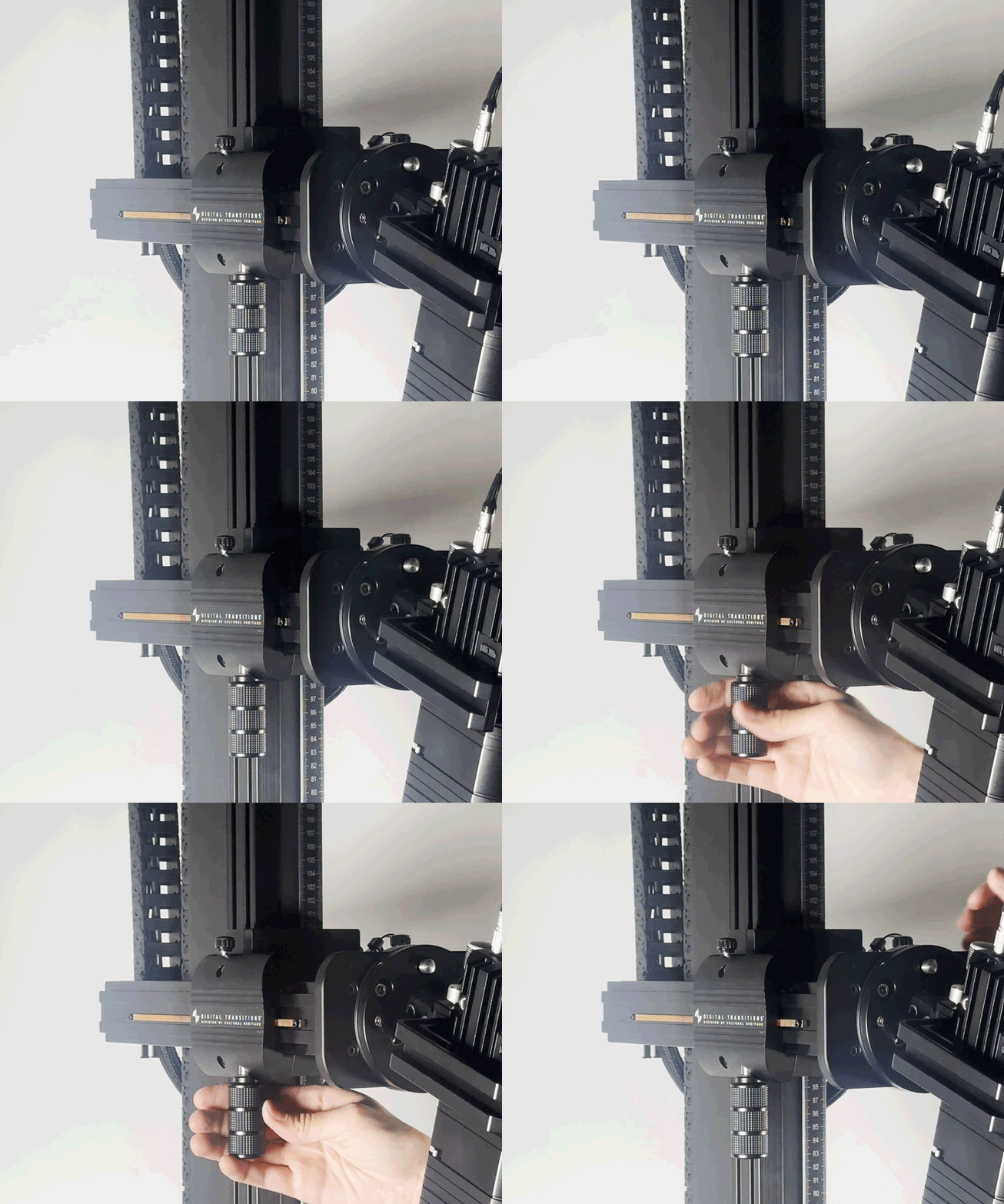
The camera’s field of view will need to be re-adjusted in order to accommodate the new angled position. Locate the two black thumb screws near where the camera carriage arm attaches to the column. Loosen these thumb screws to unlock the carriage extension, then use the large handle underneath the carriage to extend the camera outward, toward the operator.
Camera Carriage Travel
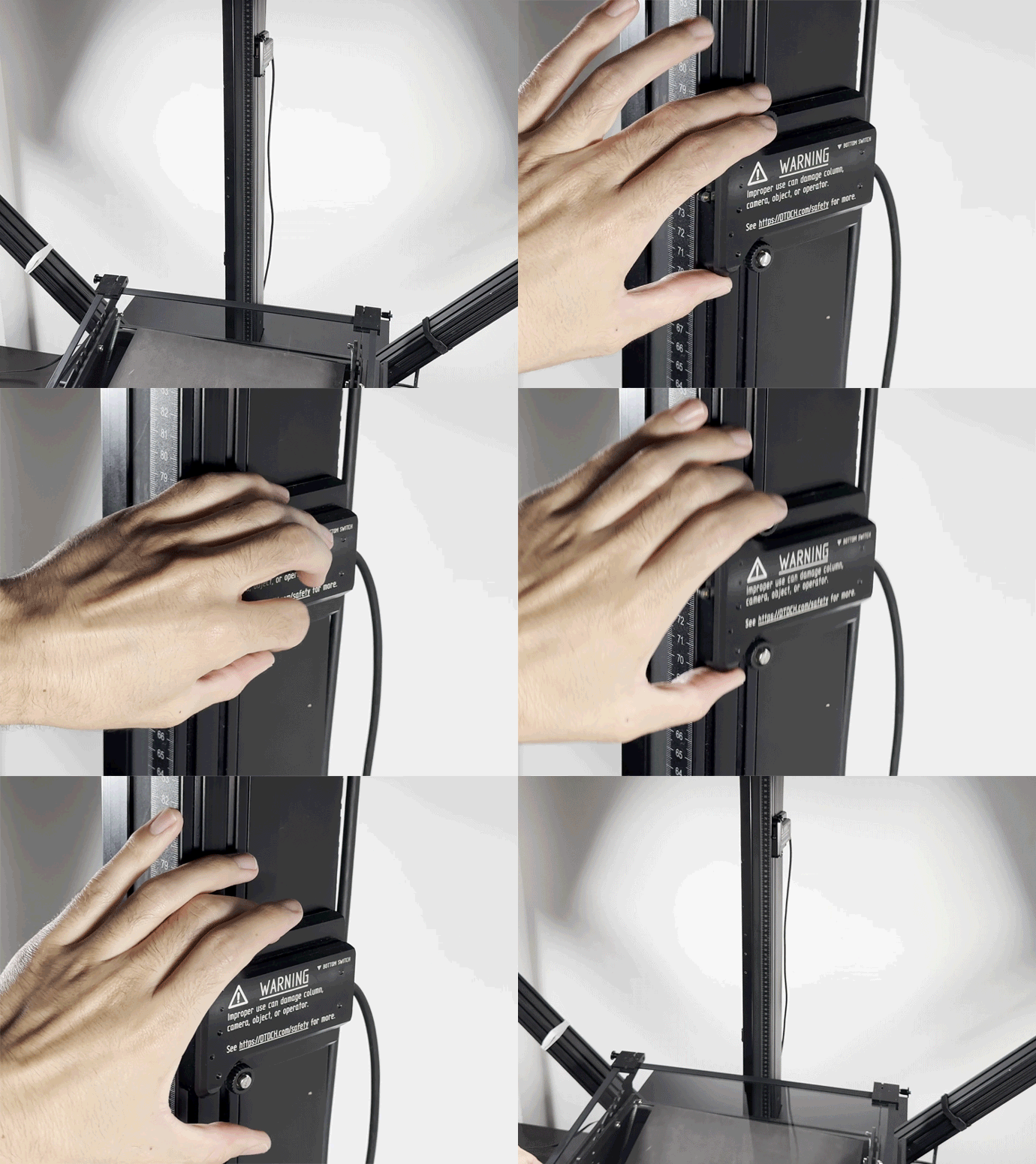
All DT Auto-Columns include two physical limit switches. After aligning the camera, re-position the lower limit switch to accommodate the raised surface of the V-Cradle, ensuring that the camera will not collide with the digitization material or the glass. Loosen the two thumb screws then slide the limit switch into the new desired position.