Post Processing
Currently the most common steps after capture are to crop (e.g. using the AI Crop Film mode) and invert the image in one of two ways depending on the preference of the operator.
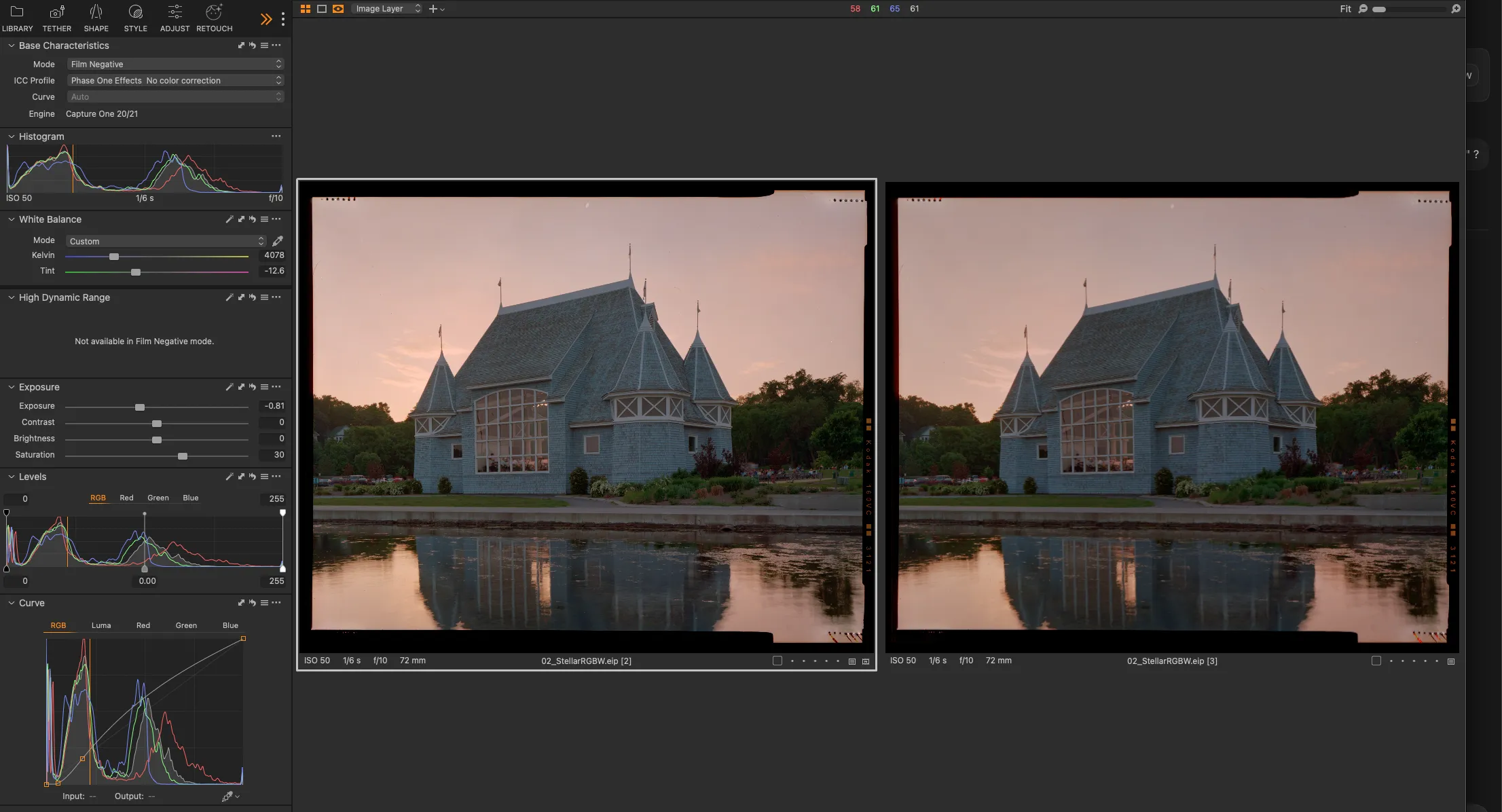
Inversion via Film Negative Mode
Selecting Film Negative in the Base Characteristics allows most sliders to behave intuitively; for example,
However, in the Pro and Studio/Enteprise versions of Capture One this mode precludes use of the HDR sliders (e.g. highlight and shadow recovery).
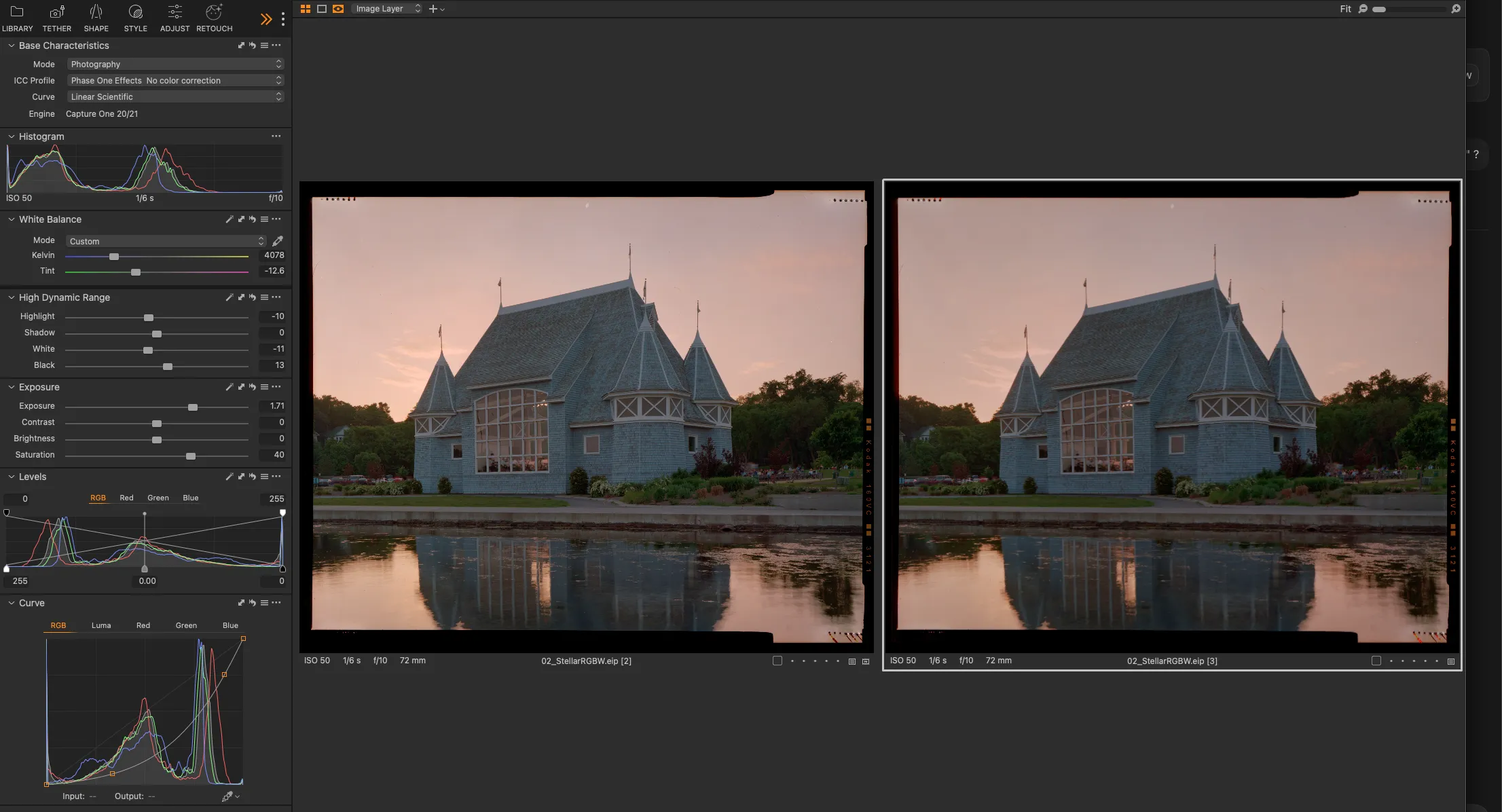
Inversion via Levels
Dragging the black point of levels to white and the white point of levels to black (making an "X" shape) inverts the image and retains the ability to use HDR sliders (e.g. highlight and shadow recovery). However, all sliders other than curves will behave in an inverted manner; for example, increasing exposure will make the image darker.
The Future
DT is working on a more powerful and task-specific tools for the post processing off color negative inversion. Please contact us if you'd like to be part of the beta group for that feature when we are ready to share.