User Accounts & Sign In
3 min
DT Nexus requires a user account. You need internet for the first sign-in. After that, you can use the app offline for up to 100 days or until your license expires, whichever is shorter.
Signing In
Open the DT Nexus app. If you are not already signed in, you will be presented with the sign in dialog.
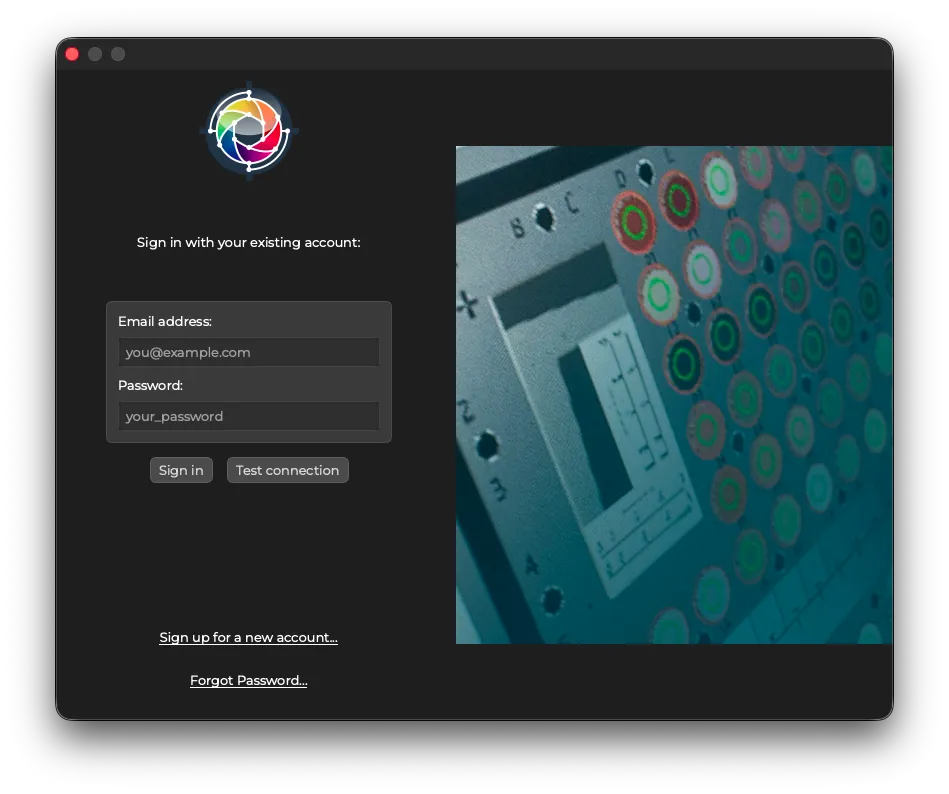
Enter your credentials and press Sign In.
If you do not have a user account, click Sign up for a new account. The DT Nexus user account registration page will open in your browser.
A DT Nexus Account is separate and different from a DT Web Store Account.
Signing Out
In the menu bar, select DT Nexus > Preferences...
Navigate to the Account tab.
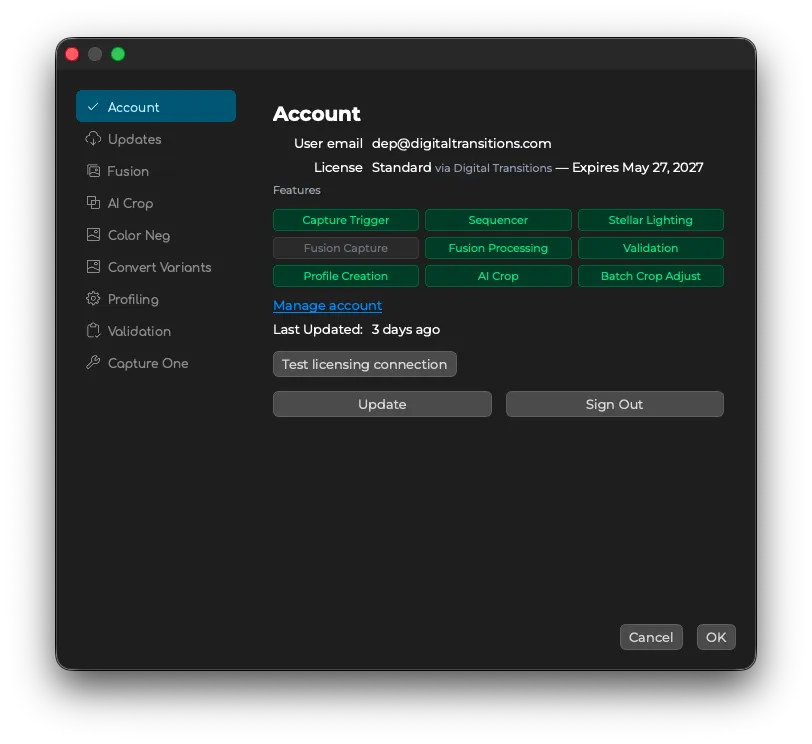
Click Sign Out. You will be taken back to the sign in dialog.